
MDM profiles
The PGP-MDM-MANAGER role grants access to the MDM Profiles section of HEM, where you can create, modify, and apply MDM profiles to devices. MDM profiles let you control aspects of a device's OS settings, such as Wi-Fi network settings and boot launching of an application.
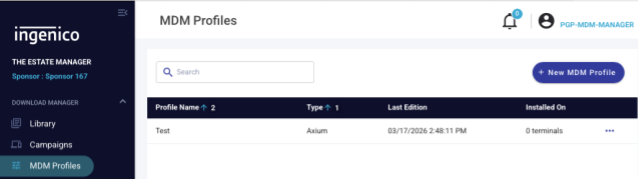
Creating a profile
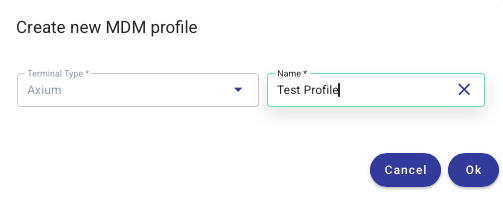
MDM profiles are applied in a similar way to campaigns. First, create one using the + New MDM Profile button. Set the profile type to Axium and give it a name that makes sense for your needs, then click Ok.
HEM then lets you fill out the details for your profile — for example, Wi-Fi network settings:
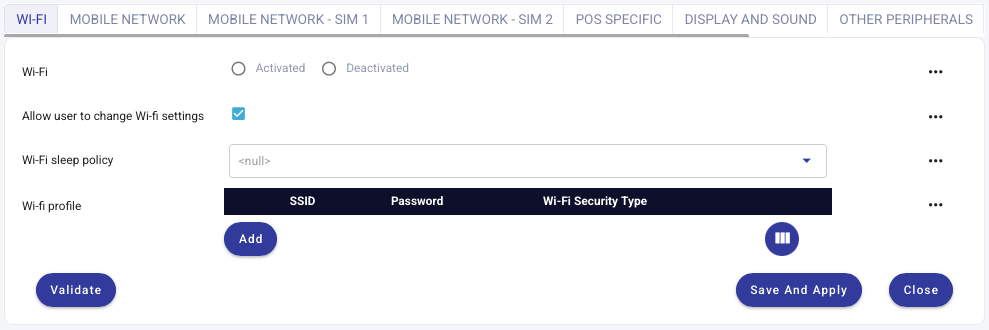
Once complete, validate the profile using the Validate button, then Save and Apply. Your profile is then available to be applied to devices.
Applying a profile
Apply a profile using the ⋯ menu to the right of the profile. This lets you delete, apply, or edit the profile.

Clicking the cross-hairs symbol shows the devices and estates currently being targeted:
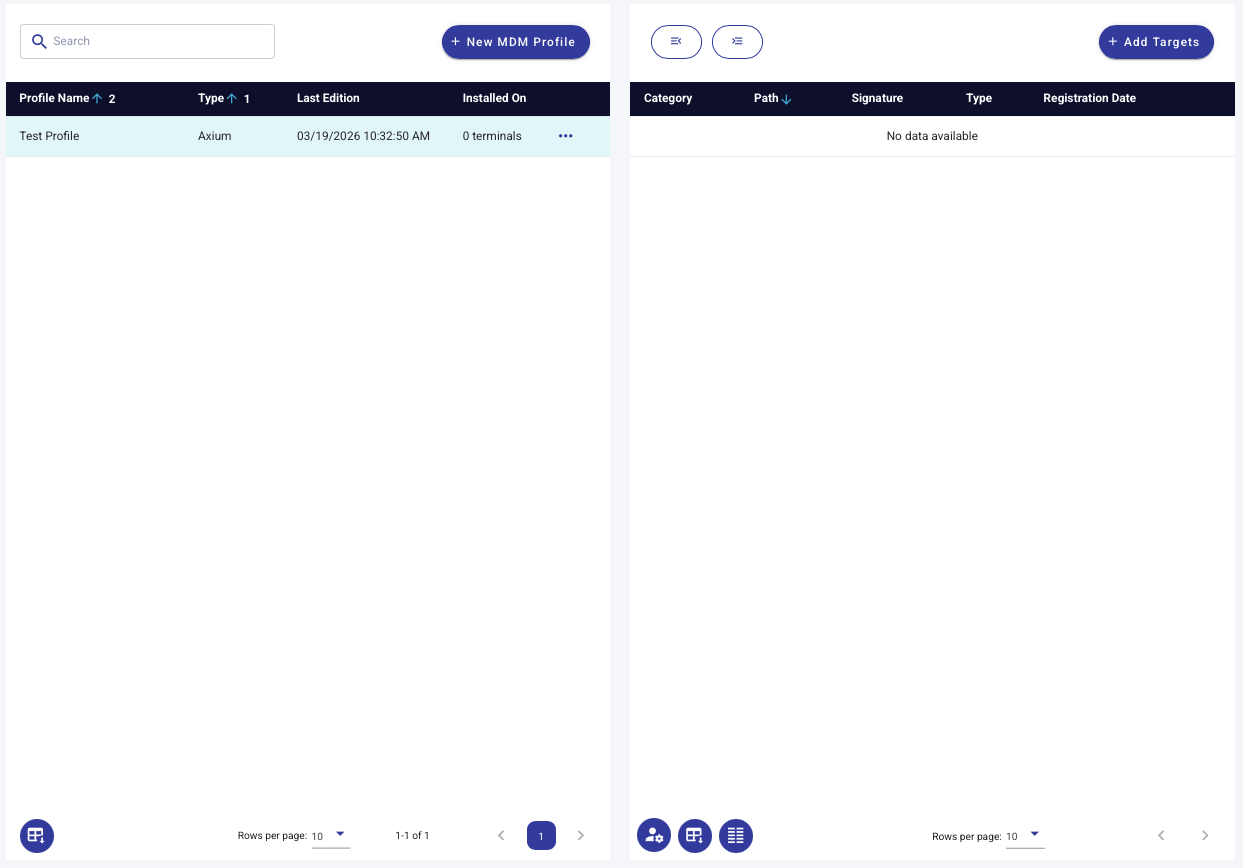
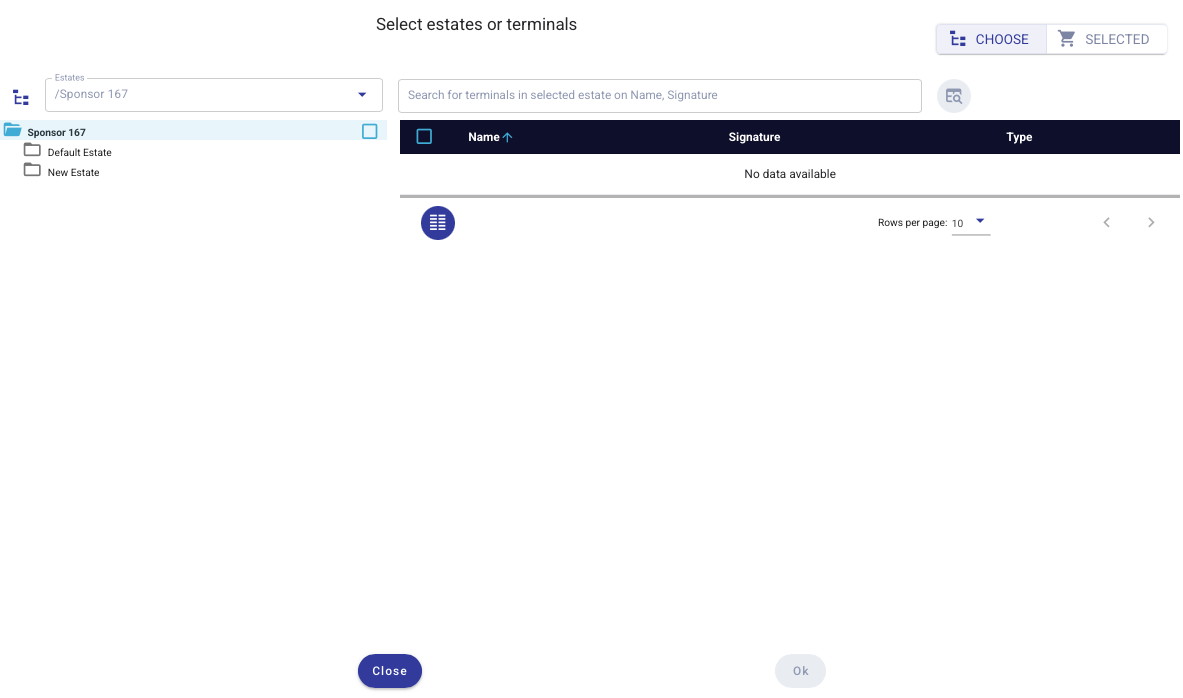
More targets can be added using the + Add Targets button. This lets you explore your current estates and select any you wish the MDM profile to apply to.
Targets receive the MDM profile the next time they call home.
Updated 3 months ago